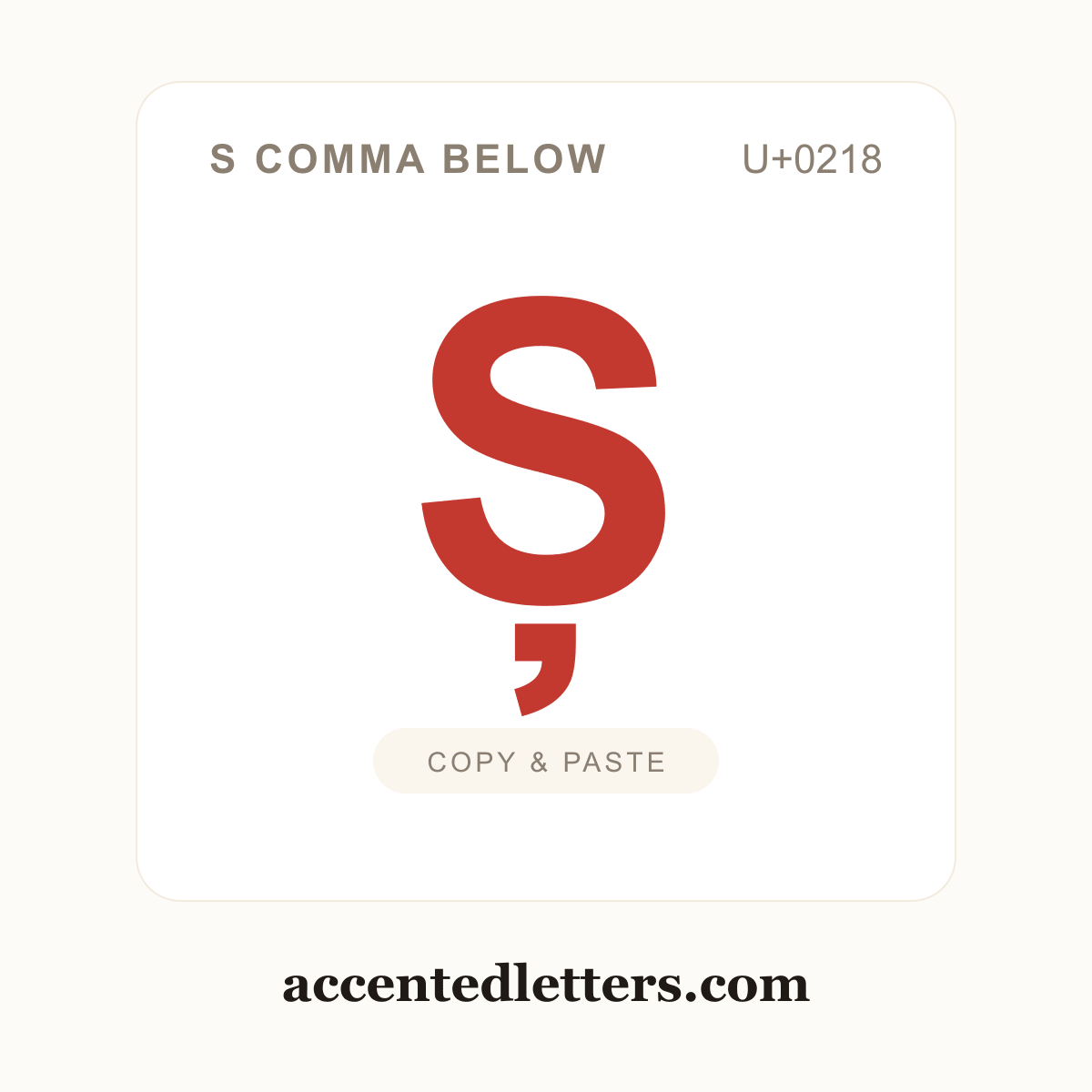
S comma below
Latin Capital Letter S with Comma Below · U+0218
Ș is the capital S with a comma below. It is the uppercase partner of the Romanian letter ș and stands for the same "sh" sound, so it appears at the start of Romanian words and names such as Ștefan. The mark is a small comma, not the hook-shaped cedilla. Its code point is U+0218. Click the tile to copy Ș, then paste it anywhere with Ctrl+V (Windows), Cmd+V (Mac) or a long-press → Paste on a phone.
Ș codes
Every way to reference Ș in text and code. Click the character or any chip to copy it.
| Format | Code | Used in |
|---|---|---|
| Character | Copy it once, paste it anywhere | |
| Unicode code point | The character's official ID in the Unicode standard | |
| HTML entity | Web pages and HTML source code | |
| Windows Alt code | — | No classic Alt code — use the Word Alt+X method below |
How to type Ș
Ș is not printed on most English keyboards, but every device hides a shortcut for it. Pick your platform:
Windows
- In Microsoft Word, type the hexadecimal code point — 0218 for Ș.
- Press Alt+X: the code converts into the character in place.
Tip: Ș has no classic Windows Alt code. Outside Word, press Win + . to open the emoji panel and look under its Symbols tab — or copy the character straight from this page, which is fastest of all.
Mac
- Press Control + Command + Space to open the Character Viewer.
- Search for "Latin Capital Letter S with Comma Below" and double-click it to insert.
Tip: The Character Viewer is the reliable route — or copy the character straight from this page.
iPhone & Android
- Tap Shift first, then press and hold the s key on the on-screen keyboard.
- A pop-up row of capital accented versions appears — slide your finger to Ș and release.
Tip: The pop-up row comes from the letter’s long-press menu on the iPhone’s English (US) keyboard (iOS 17+); Gboard and other Android keyboards offer similar menus, though the exact set varies.
Copy-paste is a typing method too — every accented form of S copies in one click on the S with accent page, alongside the full typing guides.
Customize Ș
Style the symbol your way — pick colors, size and shape, then copy the HTML snippet or download a square PNG/SVG (transparent background supported).
More S with accent