
Acute Accent Letters
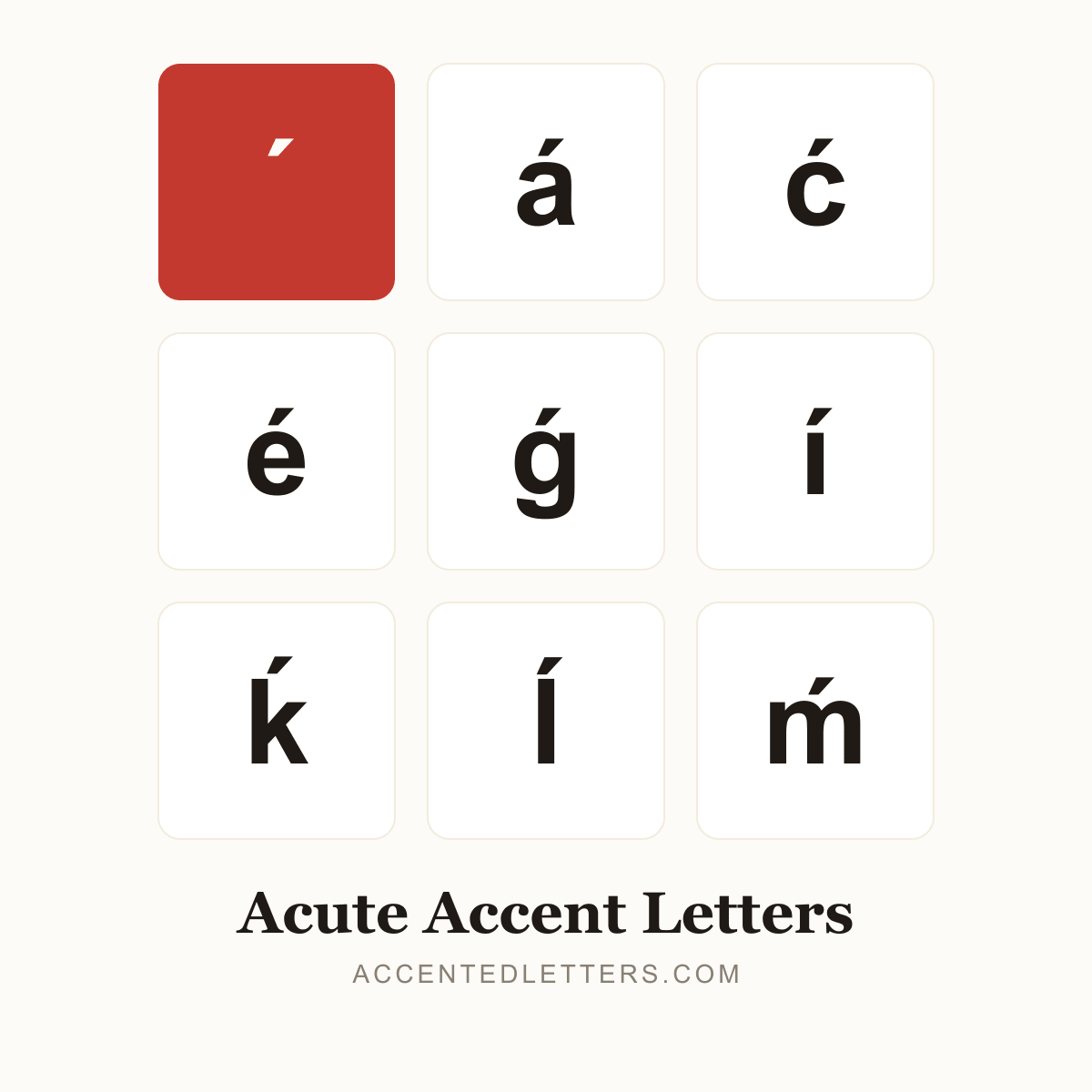
The forward-leaning stroke is the most common accent in Western languages. Spanish uses it to mark stress (café, inglés), French turns e into é, and Polish, Portuguese and Hungarian all lean on it — Vietnamese adds it as the rising sắc tone. This site lists 62 letters carrying the mark — click any letter below to copy it.
All 62 acute accent letters, A to Z
Click a letter to copy it; click its name for the letter’s own page with codes and typing guides.
Browse by letter
How to type the acute accent
Every device hides a route into these letters. Pick your platform:
Windows
- Turn on Num Lock, hold Alt and type the four-digit code on the numeric keypad, then release Alt — the accented letter appears at the cursor.
- In Microsoft Word, Ctrl+' then the letter works too — the two combine into á, é, í, ó, ú or ý.
Tip: Consonant acutes like ć, ń, ś and ź have no Alt code — in Word, type the code point from the letter’s page and press Alt+X.
Mac
- Press Option+E — a highlighted acute mark appears, waiting.
- Type the base letter; the two combine into á, é, í, ó or ú.
Tip: No Option combination produces consonant forms like ć, ń, ś or ź — press and hold the letter key and pick them from the pop-up instead.
iPhone & Android
- Press and hold the letter on the on-screen keyboard.
- A pop-up row of accented versions appears — slide to the acute form and release.
Tip: The iPhone’s English (US) keyboard (iOS 17+) covers the vowels plus ý and ń; Gboard and other Android keyboards offer similar menus.