
Stroke Letters
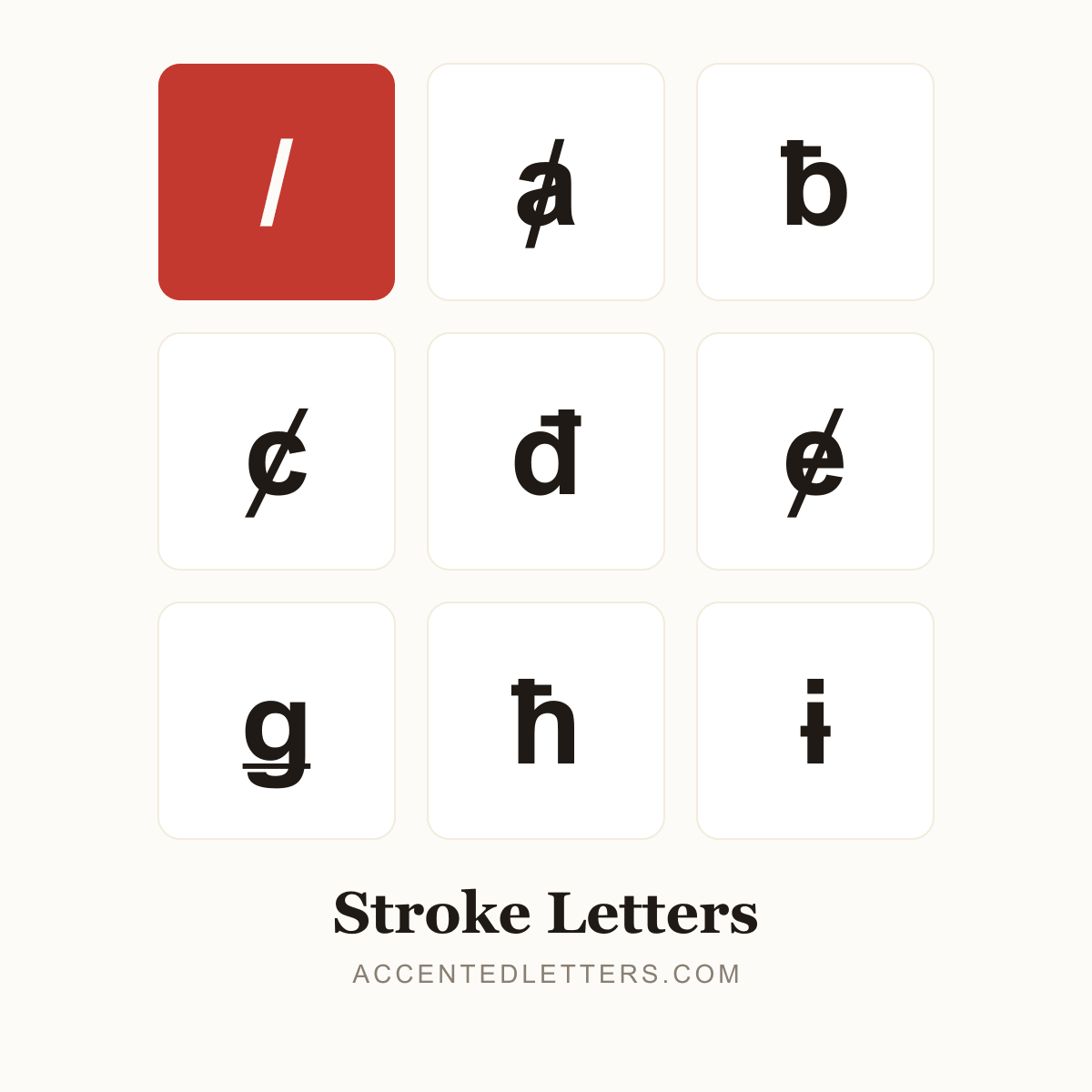
A slash through the letter does real work: Danish and Norwegian ø is a vowel of its own (sø, grøn), Polish ł sounds like the English w (Łódź), and Croatian and Vietnamese read đ as a separate d-sound. This site lists 40 letters carrying the mark — click any letter below to copy it.
All 40 stroke letters, A to Z
Click a letter to copy it; click its name for the letter’s own page with codes and typing guides.
Browse by letter
How to type the stroke
Every device hides a route into these letters. Pick your platform:
Windows
ø
Alt0248
Ø
Alt0216
ł
0142thenAltX
đ
0111thenAltX
ħ
0127thenAltX
ŧ
0167thenAltX
- Turn on Num Lock, hold Alt and type 0248 on the numeric keypad — ø appears at the cursor (Ø is Alt+0216).
- For ł, đ, ħ and ŧ, type the code point in Microsoft Word and press Alt+X (ł is 0142).
Tip: Each letter’s own page on this site lists its exact code point and any Alt code.
Mac
ø
OptionO
ł
lpress & hold
- For ø, press Option+O (Option+Shift+O for Ø).
- ł hides in the press-and-hold l pop-up; đ and ħ need the Character Viewer (Control+Command+Space).
Tip: There is no Option dead key for the stroke itself.
iPhone & Android
ø
opress & hold
ł
lpress & hold
ħ
hpress & hold
- Press and hold the letter on the on-screen keyboard — ø is in the o pop-up, ł in the l pop-up, ħ in the h pop-up.
- Slide to the stroked form and release.
Tip: The iPhone’s d pop-up has no đ — Android keyboards like Gboard offer it, and copying from its page works everywhere.