
Ogonek Letters
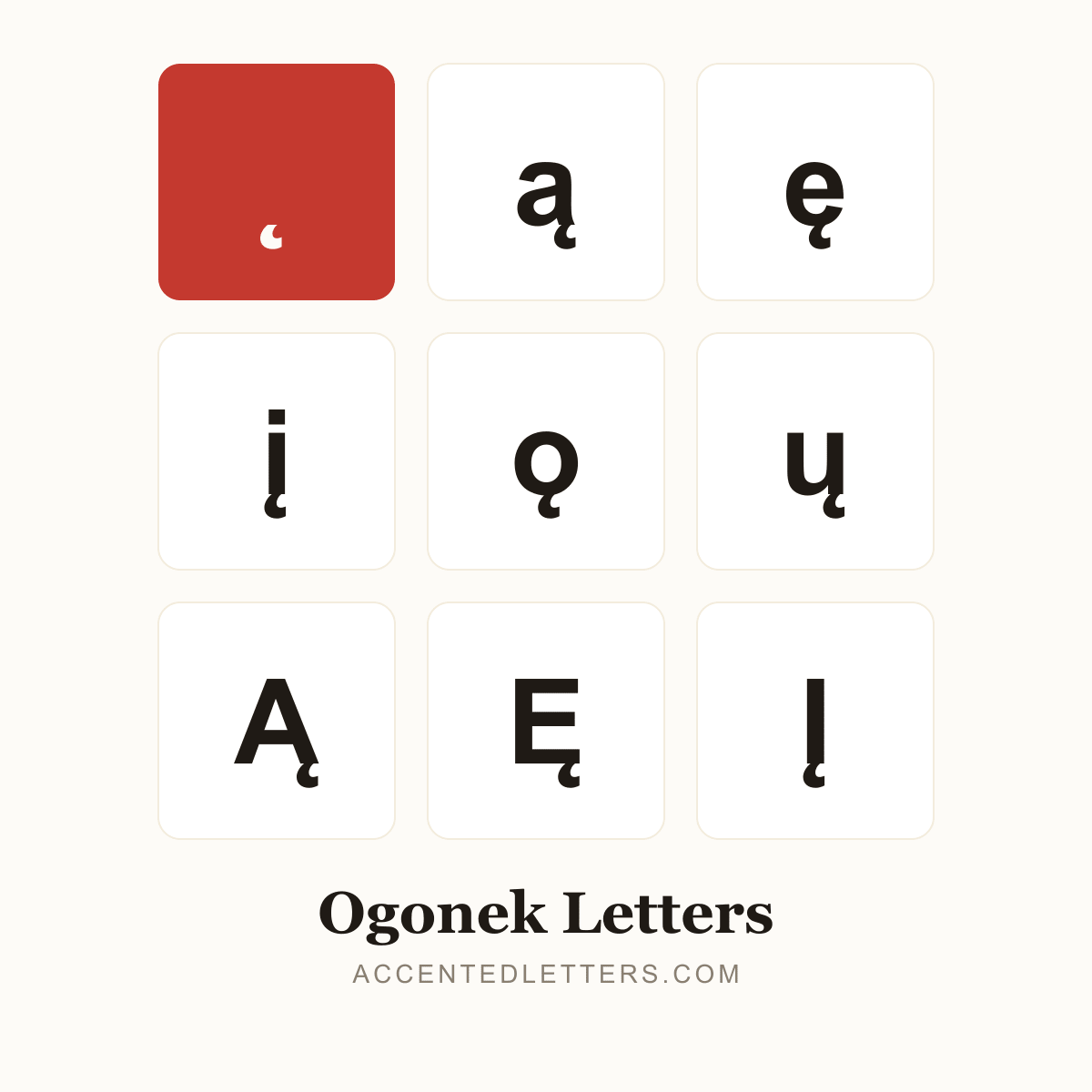
The little tail tucked under a vowel marks a nasal sound — Polish runs on ą and ę (dzięki, węzeł), Lithuanian keeps į and ų, and the same hook appears in Sami and Iroquoian orthographies (ǫ). This site lists 10 letters carrying the mark — click any letter below to copy it.
All 10 ogonek letters, A to Z
Click a letter to copy it; click its name for the letter’s own page with codes and typing guides.
Browse by letter
How to type the ogonek
Every device hides a route into these letters. Pick your platform:
Windows
ą
0105thenAltX
ę
0119thenAltX
į
012FthenAltX
ų
0173thenAltX
- Windows has no Ctrl shortcut for the ogonek. In Microsoft Word, type the letter’s code point and press Alt+X — the code converts in place.
- Outside Word, press Win + . and look under the emoji panel’s Symbols tab.
Tip: On a Polish keyboard layout, ą and ę are AltGr combinations (AltGr+A, AltGr+E).
Mac
- The Option dead keys and the press-and-hold pop-ups have no ogonek forms.
- Press Control+Command+Space to open the Character Viewer and search by name — “a with ogonek”.
Tip: For a stretch of Polish text, adding the Polish keyboard layout in System Settings is the comfortable route.
iPhone & Android
ą
apress & hold
ę
epress & hold
į
ipress & hold
ų
upress & hold
- Press and hold the vowel on the on-screen keyboard — ą, ę, į and ų all sit in their letters’ pop-ups.
- Slide to the ogonek form and release.
Tip: iPhone and Android long-press menus both include the ogonek vowels.