
Cedilla Letters
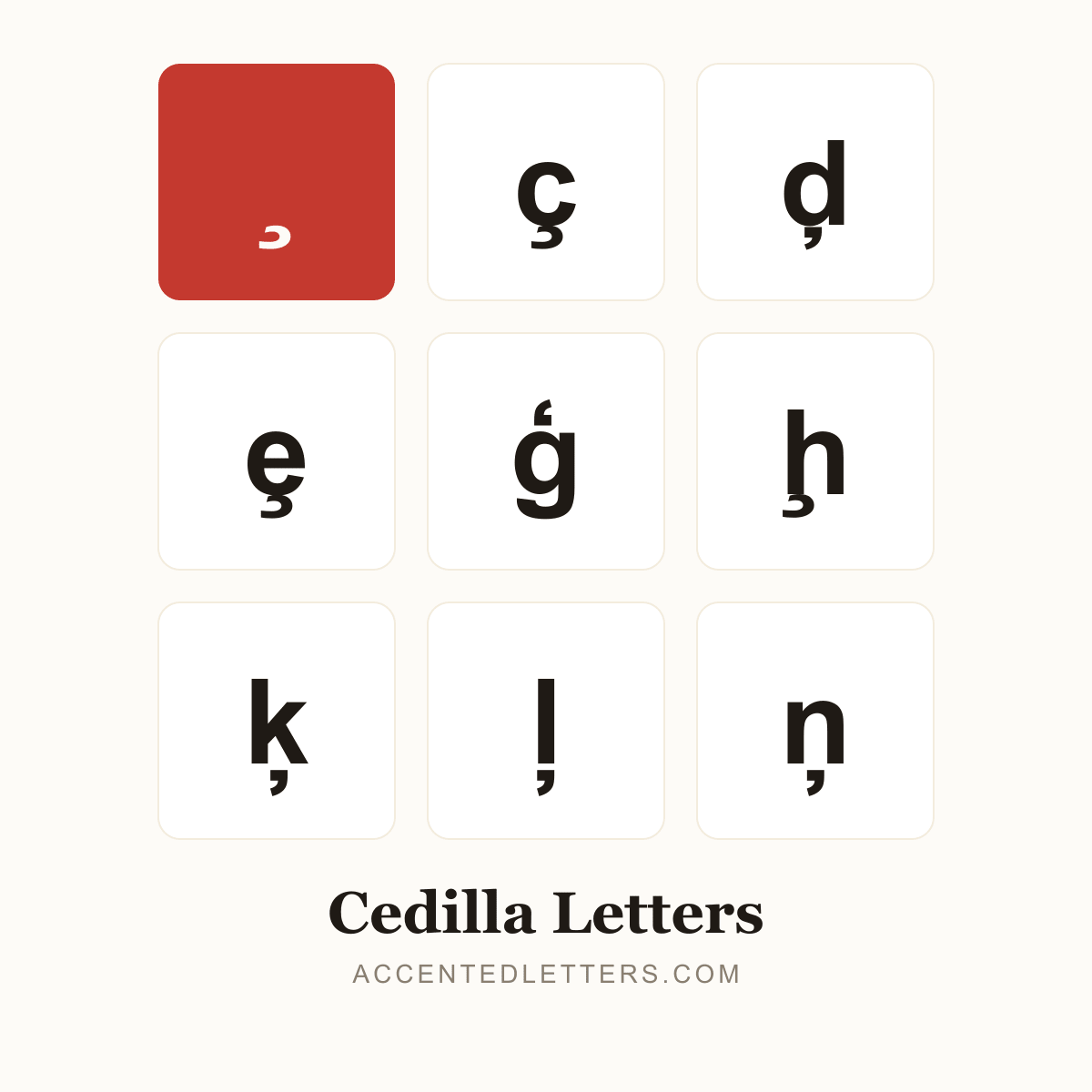
The little hook softens c before a, o and u — without it, French façade would read “fakade”. Turkish adds ş (Istanbul) and Portuguese keeps ç (açúcar); Romanian prefers a comma below instead (ț, ș). This site lists 26 letters carrying the mark — click any letter below to copy it.
All 26 cedilla letters, A to Z
Click a letter to copy it; click its name for the letter’s own page with codes and typing guides.
Browse by letter
How to type the cedilla
Every device hides a route into these letters. Pick your platform:
Windows
ç
Alt0231
ş
015FthenAltX
ţ
0163thenAltX
ģ
0123thenAltX
ķ
0137thenAltX
- Turn on Num Lock, hold Alt and type 0231 on the numeric keypad for ç (Alt+0199 for Ç).
- For ģ, ķ, ļ, ņ, ş and ţ, type the code point in Microsoft Word and press Alt+X — the code converts in place.
Tip: Word’s Ctrl+, shortcut covers ç only. And Romanian ș and ț use a comma below, not a cedilla — different characters.
Mac
ç
OptionC
- For ç, simply press Option+C — no dead key needed (Option+Shift+C for Ç).
- The other cedilla letters (ģ, ķ, ļ, ņ, ţ) have no Option shortcut — press Control+Command+Space and search by name in the Character Viewer.
Tip: The press-and-hold pop-up for c also offers ç.
iPhone & Android
ç
cpress & hold
ş
spress & hold
ţ
tpress & hold
- Press and hold the letter on the on-screen keyboard — ç sits in the c pop-up, ş in the s pop-up.
- Slide to the cedilla form and release.
Tip: ģ and friends are missing from phone pop-ups — copying from their pages is fastest.