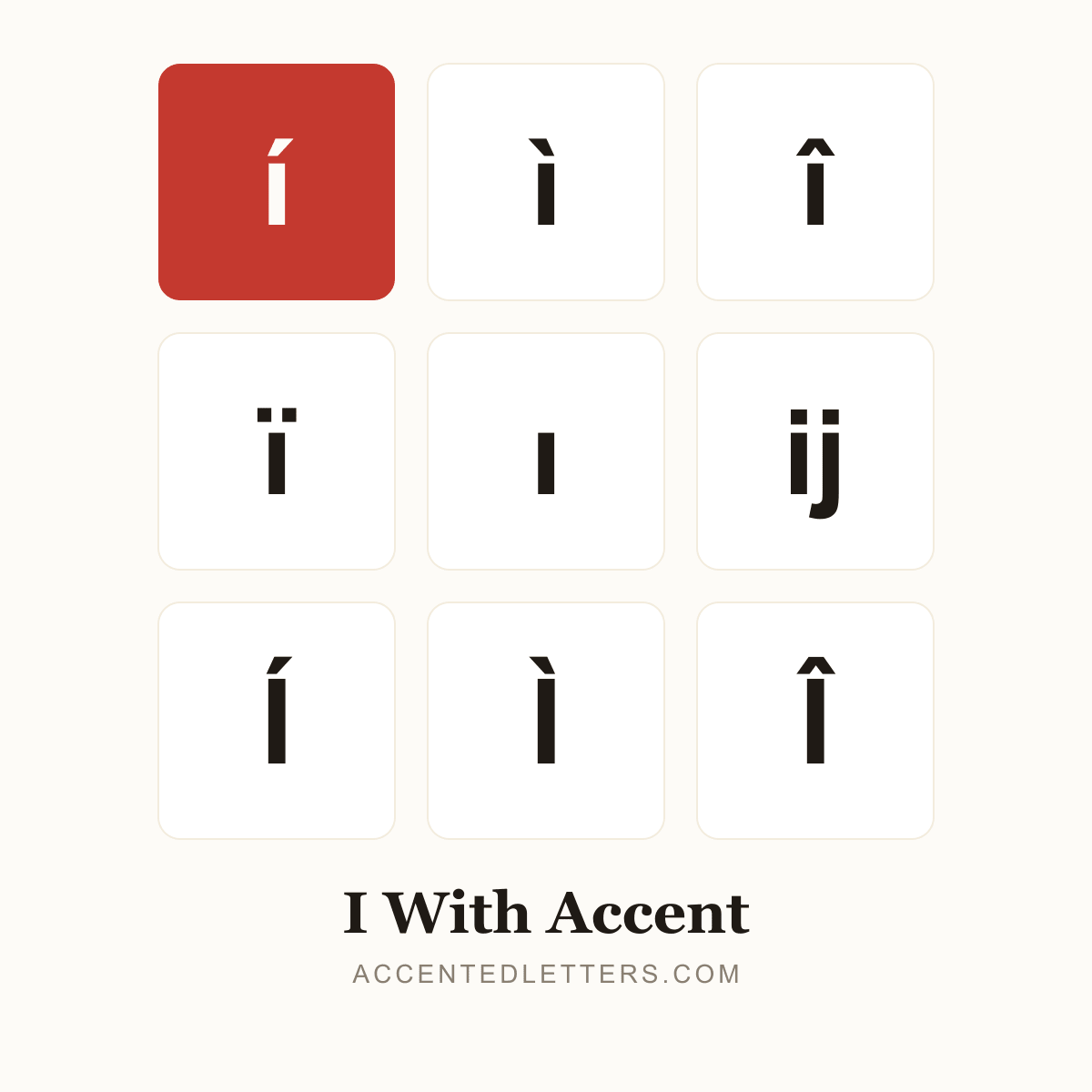
I With Accent
í of Spanish, ì of Italian sì, î of French île, ï of naïve — plus Turkish's famous dotted İ and dotless ı pair among the 36 accented versions of the letter I. Every letter on this page copies in one click — click a card, then paste anywhere with Ctrl+V (Windows), Cmd+V (Mac) or a long-press → Paste on a phone.
Lowercase i with accent
Uppercase I with accent
I with accent codes
Every accented form of I with its Unicode code point, HTML entity and Windows Alt code. Click any chip — or the letter itself — to copy it.
How to type I with accent
Accented forms of I are not printed on most English keyboards, but every device hides a shortcut for them. Pick your platform:
Windows
- Turn on Num Lock so the numeric keypad produces digits.
- Hold Alt, type the four-digit code on the numeric keypad, then release Alt — the accented letter appears at the cursor.
Tip: Forms without an Alt code (like ı) have no keypad shortcut — in Word, type the code point from the table above and press Alt+X. No numeric keypad at all? Press Win + . for the emoji panel (Symbols tab), or copy the letter straight from this page.
Mac
- Press the Option combination for the accent — a highlighted accent mark appears, waiting.
- Type the letter i; the two combine into í (and its siblings).
Tip: Easier still: press and hold the i key itself and a pop-up offers accented forms like í ì î ï — type the number shown under the one you want.
iPhone & Android
- On an iPhone or iPad, press and hold the i key on the on-screen keyboard.
- A pop-up row of accented versions appears — slide your finger to the one you want and release.
- For a capital like I, tap Shift first, then press and hold the letter the same way.
Tip: The combos above come from the letter's long-press menu on the iPhone's English (US) keyboard (iOS 17+); Gboard and other Android keyboards offer similar menus, though the exact set varies. Forms missing from the pop-up (like ḯ) are quickest to copy straight from this page.