
Tilde Letters
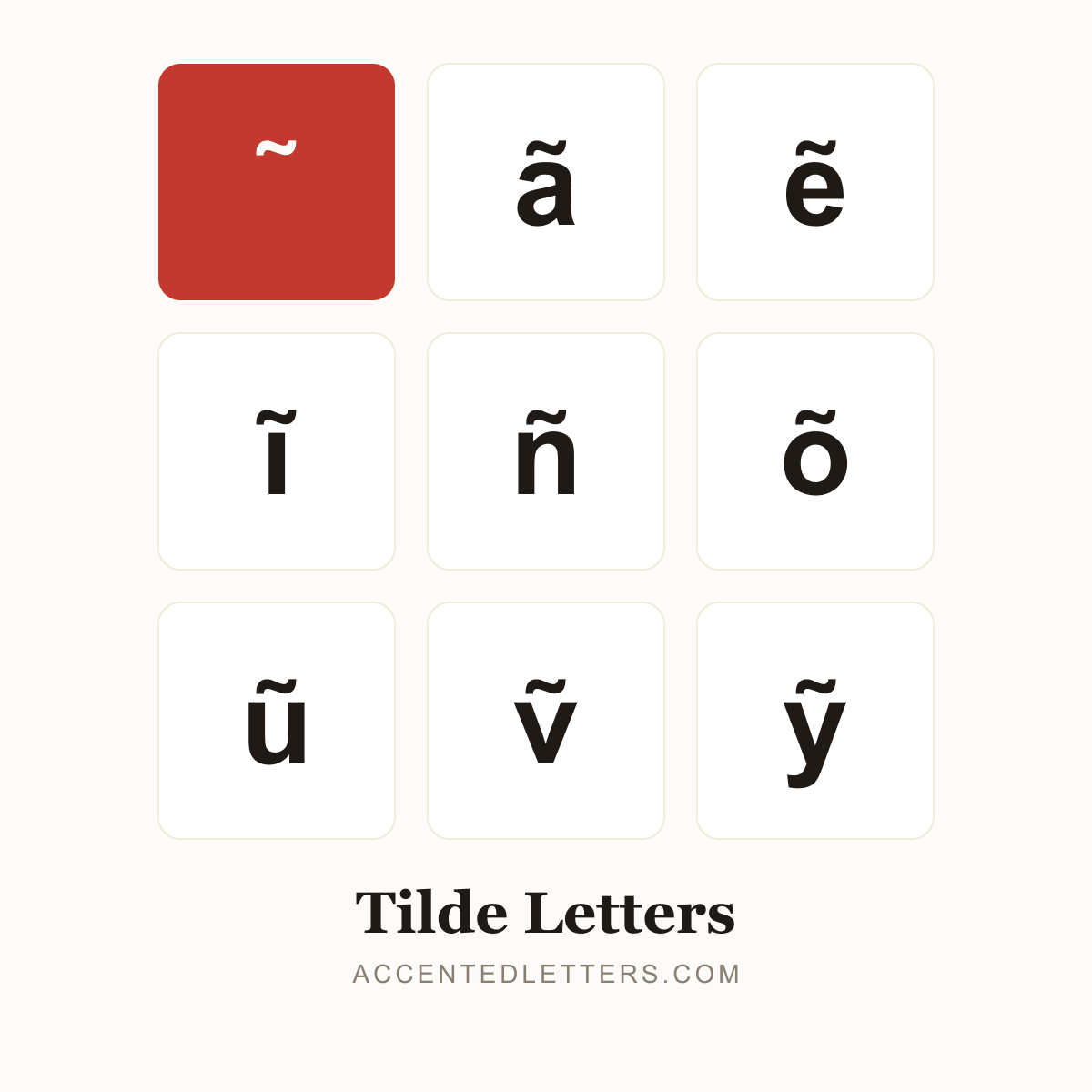
The little wave turns n into Spanish ñ — a separate letter with its own keyboard key — and nasalizes the Portuguese vowels ã and õ (as in São Paulo). Vietnamese adds it as the ngã tone. This site lists 32 letters carrying the mark — click any letter below to copy it.
All 32 tilde letters, A to Z
Click a letter to copy it; click its name for the letter’s own page with codes and typing guides.
Browse by letter
How to type the tilde
Every device hides a route into these letters. Pick your platform:
Windows
ñ
Alt0241
ã
Alt0227
õ
Alt0245
ĩ
0129thenAltX
ũ
0169thenAltX
ẽ
1EBDthenAltX
- Turn on Num Lock, hold Alt and type the four-digit code on the numeric keypad, then release Alt.
- In Microsoft Word, Ctrl+Shift+~ then the letter works too — ñ, ã and õ all combine.
Tip: Vietnamese ĩ, ũ and ẽ have no Alt code — in Word, type the code point and press Alt+X.
Mac
ñ
OptionNthenn
ã
OptionNthena
õ
OptionNtheno
- Press Option+N — a highlighted tilde appears, waiting.
- Type the base letter; the two combine into ñ, ã or õ.
Tip: Option+N also combines with the other vowels (ĩ, ũ) — or press and hold the letter key and use the pop-up.
iPhone & Android
ñ
npress & hold
ã
apress & hold
õ
opress & hold
ĩ
ipress & hold
ẽ
epress & hold
ũ
upress & hold
- Press and hold the letter on the on-screen keyboard.
- A pop-up row of accented versions appears — slide to the tilde form and release.
Tip: The iPhone pop-ups also carry ĩ, ẽ and ũ; Spanish keyboard layouts give ñ its own key.