
Ring Above Letters
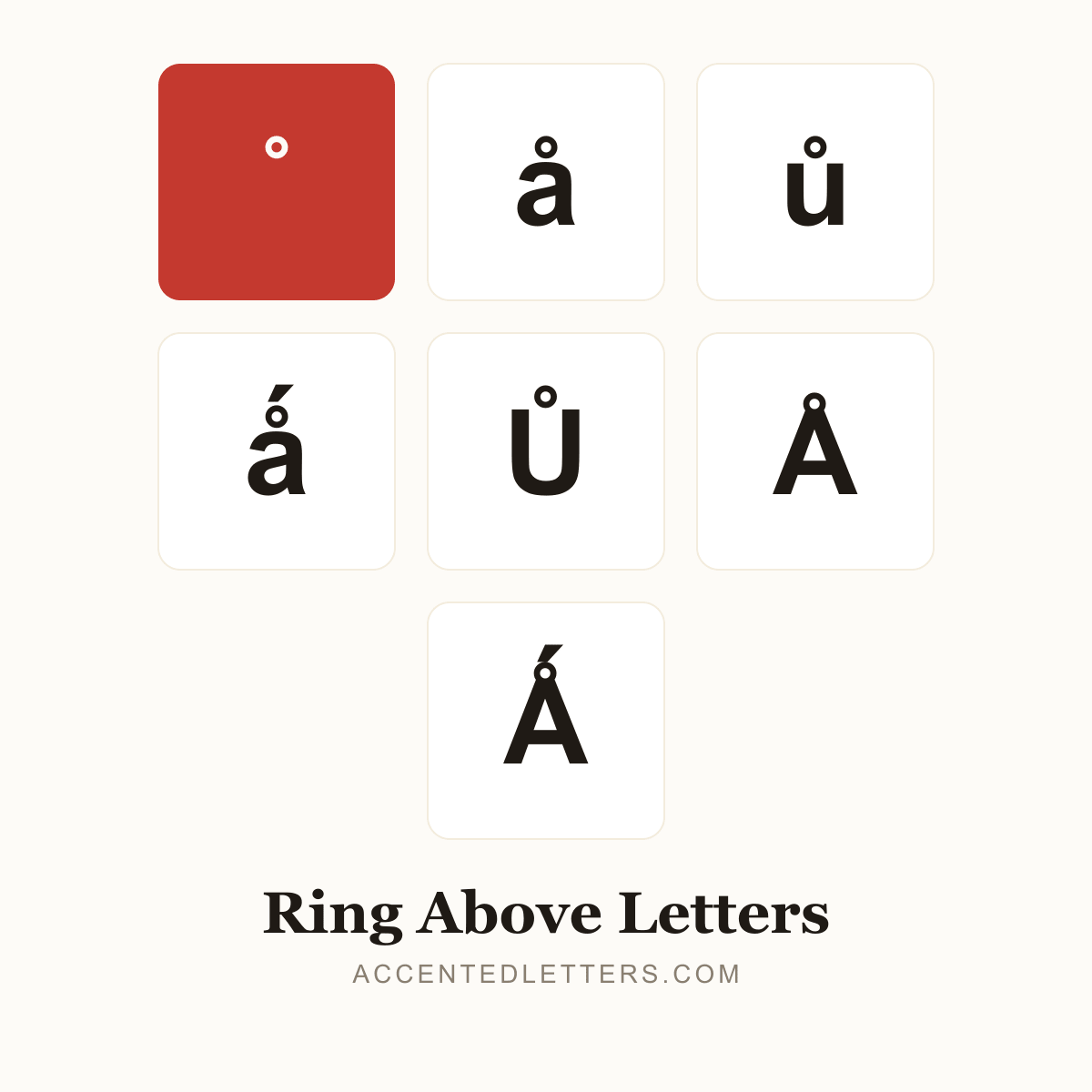
A small ring turns a into å — not an accented a but a separate letter of the Danish, Norwegian and Swedish alphabets, sitting at the end after z. Norwegian even writes the little word “to” as å. This site lists 6 letters carrying the mark — click any letter below to copy it.
All 6 ring above letters, A to Z
Click a letter to copy it; click its name for the letter’s own page with codes and typing guides.
| Letter | Name | Unicode |
|---|---|---|
| a ring | ||
| a ring acute | ||
| A ring | ||
| A ring acute | ||
| u ring | ||
| U ring |
Browse by letter
How to type the ring above
Every device hides a route into these letters. Pick your platform:
Windows
å
Alt0229
Å
Alt0197
ů
016FthenAltX
Ů
016EthenAltX
- Turn on Num Lock, hold Alt and type 0229 on the numeric keypad — å appears at the cursor (Å is Alt+0197).
- For ů, type 016F in Microsoft Word and press Alt+X to convert it.
Tip: å is one of the few accented letters with a classic Alt code.
Mac
å
OptionA
Å
OptionShiftA
- For å, simply press Option+A (Option+Shift+A for Å) — no dead key needed.
- ů has no Option shortcut and is missing from the u pop-up — use the Character Viewer (Control+Command+Space).
Tip: Option+K types the standalone ring mark ˚ by itself.
iPhone & Android
å
apress & hold
ů
upress & hold
- Press and hold a or u on the on-screen keyboard — å sits in the a pop-up, ů in the u pop-up.
- Slide to the ring form and release.
Tip: Both iPhone and Android long-press menus include å and ů.