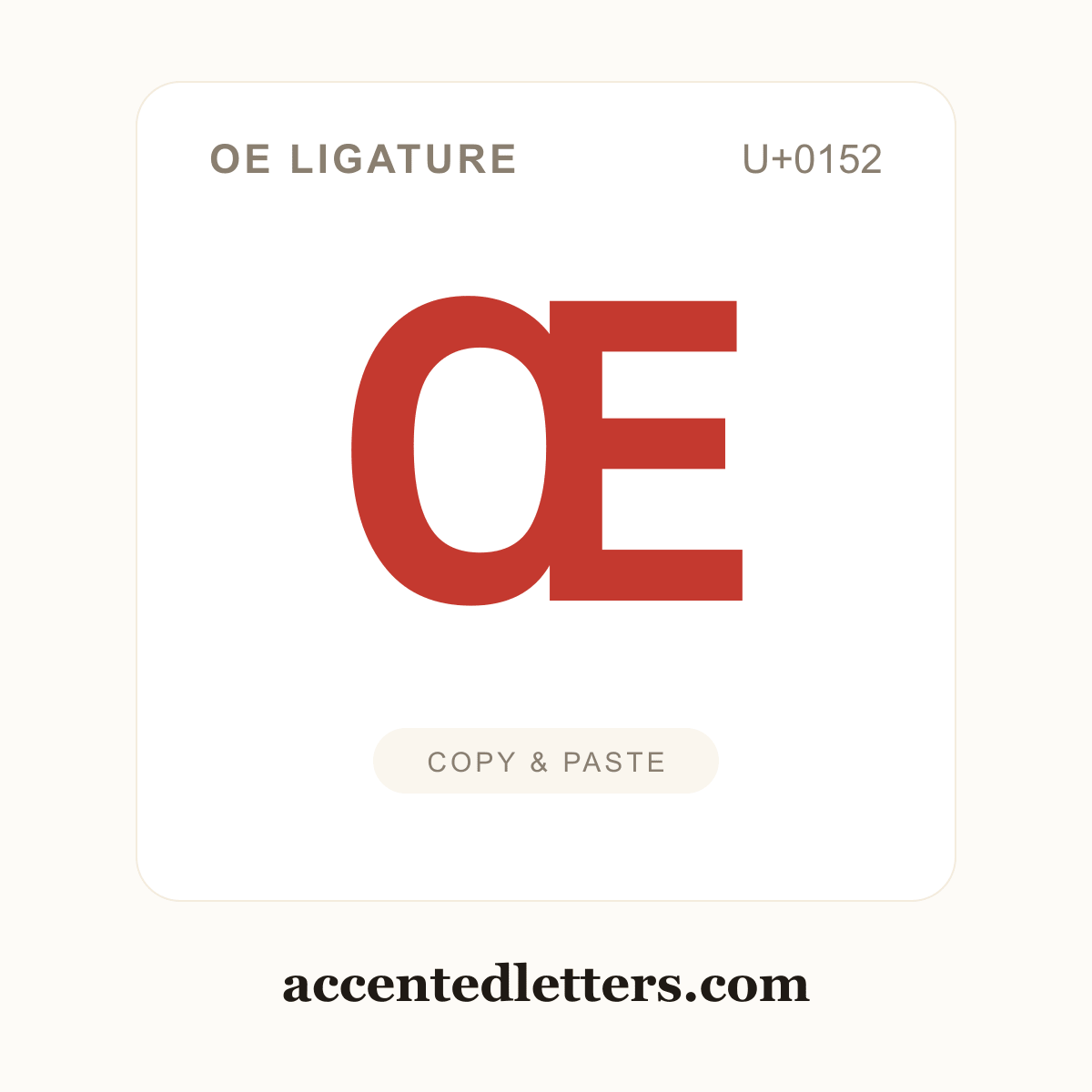
OE ligature
Latin Capital Ligature OE · U+0152
Œ is the capital oe ligature, O and E joined into a single character, the uppercase form of œ (U+0153). It appears in French words like Œuvre (work) and Œil (eye) when they begin a sentence or are capitalized, and French spelling treats it as one indivisible unit. Its lowercase form appears in cœur and nœud. Click the tile to copy Œ, then paste it anywhere with Ctrl+V (Windows), Cmd+V (Mac) or a long-press → Paste on a phone.
Πcodes
Every way to reference Πin text and code. Click the character or any chip to copy it.
| Format | Code | Used in |
|---|---|---|
| Character | Copy it once, paste it anywhere | |
| Unicode code point | The character's official ID in the Unicode standard | |
| HTML entity | Web pages and HTML source code | |
| Windows Alt code | — | No classic Alt code — use the Word Alt+X method below |
How to type Œ
Πis not printed on most English keyboards, but every device hides a shortcut for it. Pick your platform:
Windows
- In Microsoft Word, type the hexadecimal code point — 0152 for Œ.
- Press Alt+X: the code converts into the character in place.
Tip: Œ has no classic Windows Alt code. Outside Word, press Win + . to open the emoji panel and look under its Symbols tab — or copy the character straight from this page, which is fastest of all.
Mac
- Press Control + Command + Space to open the Character Viewer.
- Search for "Latin Capital Ligature OE" and double-click it to insert.
Tip: The Character Viewer is the reliable route — or copy the character straight from this page.
iPhone & Android
- Tap Shift first, then press and hold the o key on the on-screen keyboard.
- A pop-up row of capital accented versions appears — slide your finger to Œ and release.
Tip: The pop-up row comes from the letter’s long-press menu on the iPhone’s English (US) keyboard (iOS 17+); Gboard and other Android keyboards offer similar menus, though the exact set varies.
Copy-paste is a typing method too — every accented form of O copies in one click on the O with accent page, alongside the full typing guides.
Customize Œ
Style the symbol your way — pick colors, size and shape, then copy the HTML snippet or download a square PNG/SVG (transparent background supported).
More O with accent